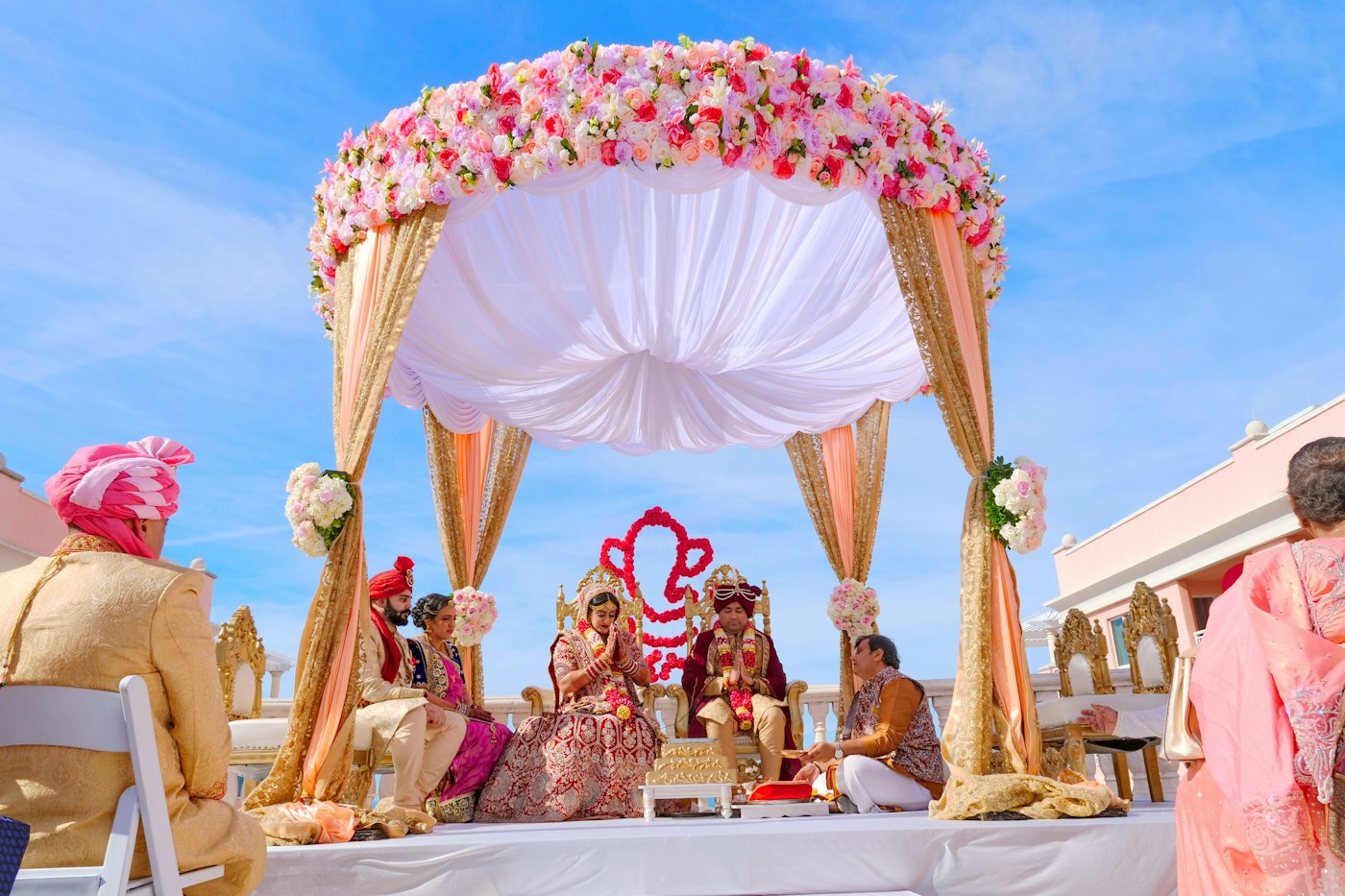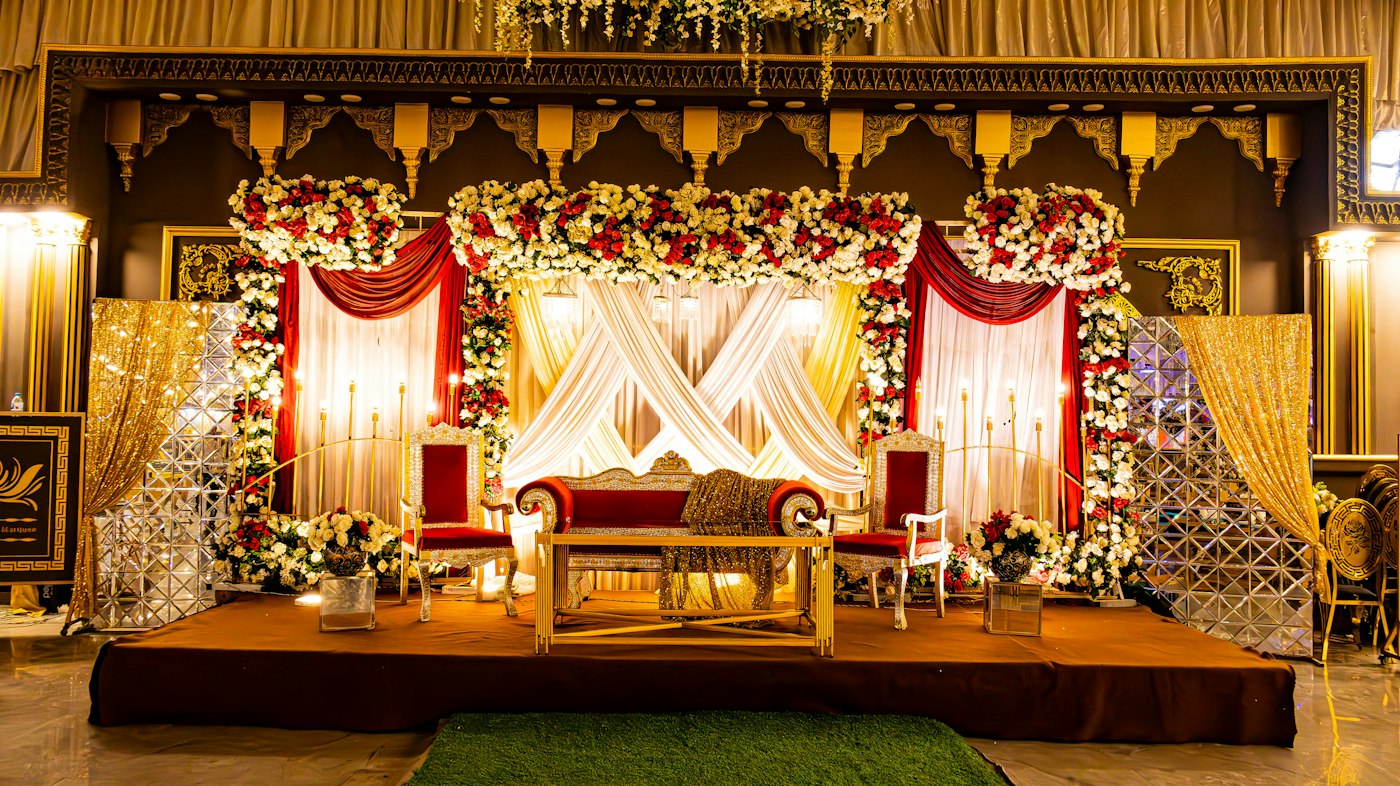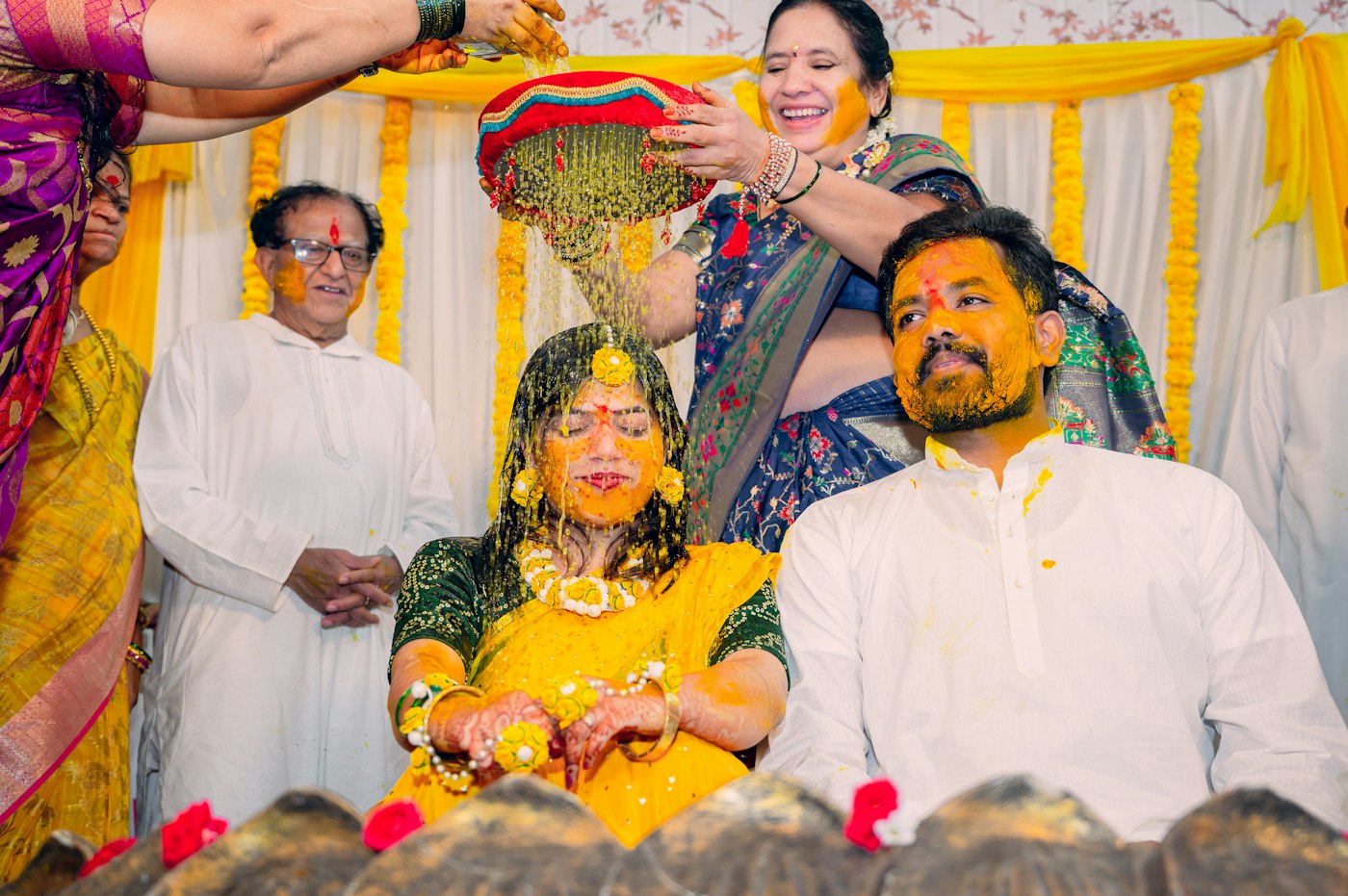
Face recognition photo sharing sounds like magic to a family the first time they see it: a guest takes a selfie at the reception and, a few seconds later, is looking at every photo of themselves from three days of functions. For a photographer, it helps to know what is actually happening behind that screen, because families will ask, and because knowing how it works tells you how to shoot and set up a wedding so it works well.
This guide explains face recognition photo sharing in plain English: the steps, what data is stored, what affects accuracy at Indian weddings, and how to explain the privacy side to a family with confidence.
What face recognition photo sharing actually does
At its simplest, the system answers one question for each guest: "Which of these wedding photos have my face in them?"
It does that in two stages:
- Before any guest arrives, it looks at every photo you upload, finds the faces in each one, and turns each face into a compact description.
- When a guest takes a selfie, it turns the selfie's face into the same kind of description and compares it with the descriptions from that wedding's photos. Photos whose faces are close enough to the guest's are shown to that guest.
The guest never searches through the wedding. The wedding is searched for them.
Step by step: from your camera to a guest's phone
Here is the full journey on RAIMO, from upload to download.
- 1. You upload. Photos arrive from a laptop, a phone, the camera's own FTP, Google Drive or a live capture setup, into the right function of the wedding: haldi, mehendi, sangeet and so on.
- 2. Faces are found. Each photo is scanned for faces. A group photo of the baraat might contain thirty faces; a close-up portrait has one.
- 3. Each face becomes a set of numbers. This is called a face embedding. It is not a picture of the face and cannot be viewed as one. It is a list of numbers that describes the face's geometry in a way that is similar for the same person across different photos.
- 4. A guest scans the QR code on the welcome board or table card and takes one selfie in the browser. No app, no account.
- 5. The selfie is compared with the face descriptions stored for that wedding only. Matches above a set similarity are returned.
- 6. The guest sees their photos, across every function of the wedding if the pass allows it, and can download them.
Because the heavy work of finding faces happens when you upload, the guest's search itself is quick.
What affects accuracy at Indian weddings
Face matching is very good, but it is not perfect, and Indian weddings have their own challenges. Knowing them helps you set expectations and shoot for them.
- Faces partly covered. A bride's ghunghat, a groom's sehra, sunglasses at a day-time haldi or a hand in front of the face can hide the features the system needs.
- Side profiles and backs of heads. Candid shots often catch people turned away. A face that is not visible cannot be matched.
- Very small faces. In a wide shot of a 500-person reception, faces in the back rows may be too small to describe reliably.
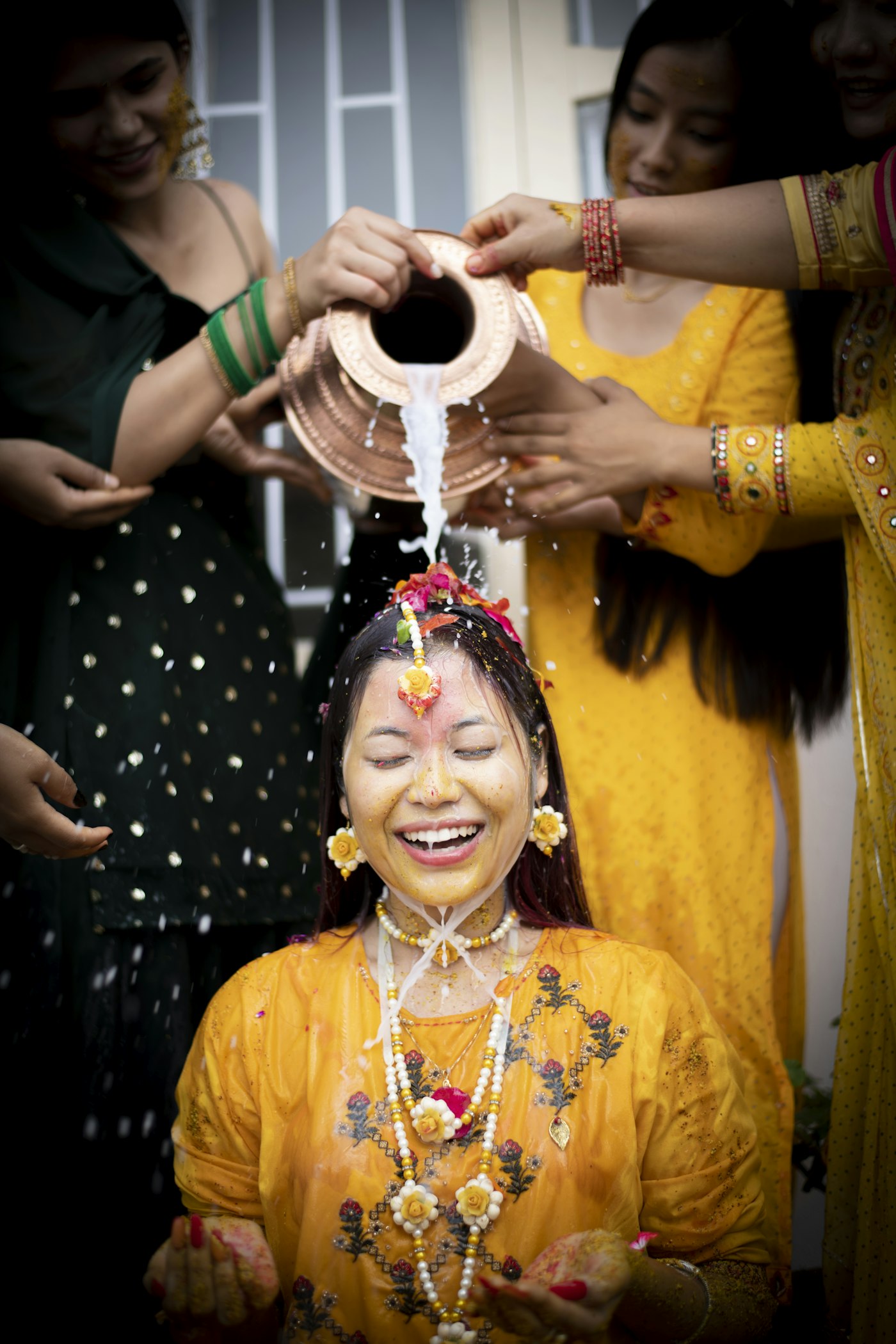
- Heavy colour and smoke. Haldi turmeric, Holi-style colour at a mehendi, or stage smoke at a sangeet can change how a face looks.
- Low light. Dark dance floors with coloured lights make faces harder to read. Well-exposed photos match better.
- The selfie itself. A blurry selfie in a dark corner gives a weaker description than a clear, front-facing one.
Privacy: what is stored, and for how long
This is the part families ask about most, and the part you should be able to answer in one breath.
- The guest chooses to take part. Nobody's selfie is taken without them opening the page and taking it.
- What is stored is a set of numbers, not a photograph. On RAIMO, the face description used for matching is stored against that event.
- It stays inside one wedding. Faces are matched within that wedding only, never across your other clients.
- It is deleted with the wedding. When the event's photos are deleted, its face data goes with them.
- Your photos are never sold or used for training. RAIMO does not sell or license your photographs, and does not use them to train anything.
- You can make a function private. A private function can only be searched by guests who have its access code.
This lines up with the basic principles of India's Digital Personal Data Protection Act, 2023: collect only what you need, for a stated purpose, and do not keep it longer than necessary. Tell guests what the selfie is used for on the page where they take it, and tell the family the same when you sell the service.
Face search across functions
Indian weddings are not one event. A guest may attend the mehendi and the reception but not the haldi, and may have scanned the QR code only once.
On RAIMO, one wedding can hold many functions under a single guest link. With Event Pro, one selfie searches across all of them, up to 10 functions, and Event Max has no limit on functions. The free Event Starter covers a single function, which is enough to try it on a mehendi or reception.
Guests' own phone photos can join the wedding too. You approve each upload before it appears, and with Event Pro those approved guest photos can also be searched by face, so a guest finds themselves in their cousin's phone photos as well as yours.
Setting up a wedding for good matching
- Create each function separately in the wedding so guests can browse by function as well as search.
- Upload portraits and family groups early. Clear, front-facing photos give guests an immediate result.
- Use live capture at the busiest function, so guests who scan during the sangeet get results that night. See live photo delivery from a DSLR for the setups.
- Place QR codes where guests stand still: the welcome board, table cards, the photo booth. Our guide to QR code photo sharing for events covers placement.
- Check guest capacity. Event Starter covers up to 1,000 guest searches and Event Pro up to 10,000; Event Max has no set limit.
For the delivery side of the story, including what guests download and how it helps your studio, read how to share wedding photos with every guest. If you are still comparing tools, our comparison of wedding photo sharing apps in India lays out the options.
You can see it for yourself on your next function: create your studio on RAIMO and your first event is free on Event Starter, with the QR code, AI face search and guest gallery included. The features page shows the guest flow step by step.
How does face recognition photo sharing work?
The system finds every face in the wedding photos and turns each into a set of numbers. When a guest takes a selfie, it compares the selfie's numbers with those from that wedding and shows the guest the photos that match.
Is face recognition photo sharing safe for guests?
On RAIMO, guests opt in by taking a selfie, only a numeric face description is stored, matching stays inside one wedding, and the data is deleted when the event's photos are deleted. Photos are never sold or used for training.
Why can't a guest find some photos of themselves?
Usually because the face is covered, turned away, very small in a wide shot or in very low light. A clear, front-facing selfie in good light also helps.
Does it work across haldi, mehendi, sangeet and reception?
Yes. With Event Pro, one selfie searches across up to 10 functions of the same wedding, and Event Max has no limit on functions.
Can guests find themselves in other guests' phone photos?
Yes, if you allow guest uploads and approve them. With Event Pro, approved guest photos can join the face search.
RAIMO Team
Published 21 September 2026 · 7 min read
Deploy Instant AI Discovery at Your Next Wedding
Guests scan the event QR code, take a selfie and find every photo they are in, while your team live-captures from a phone or browser at the venue.