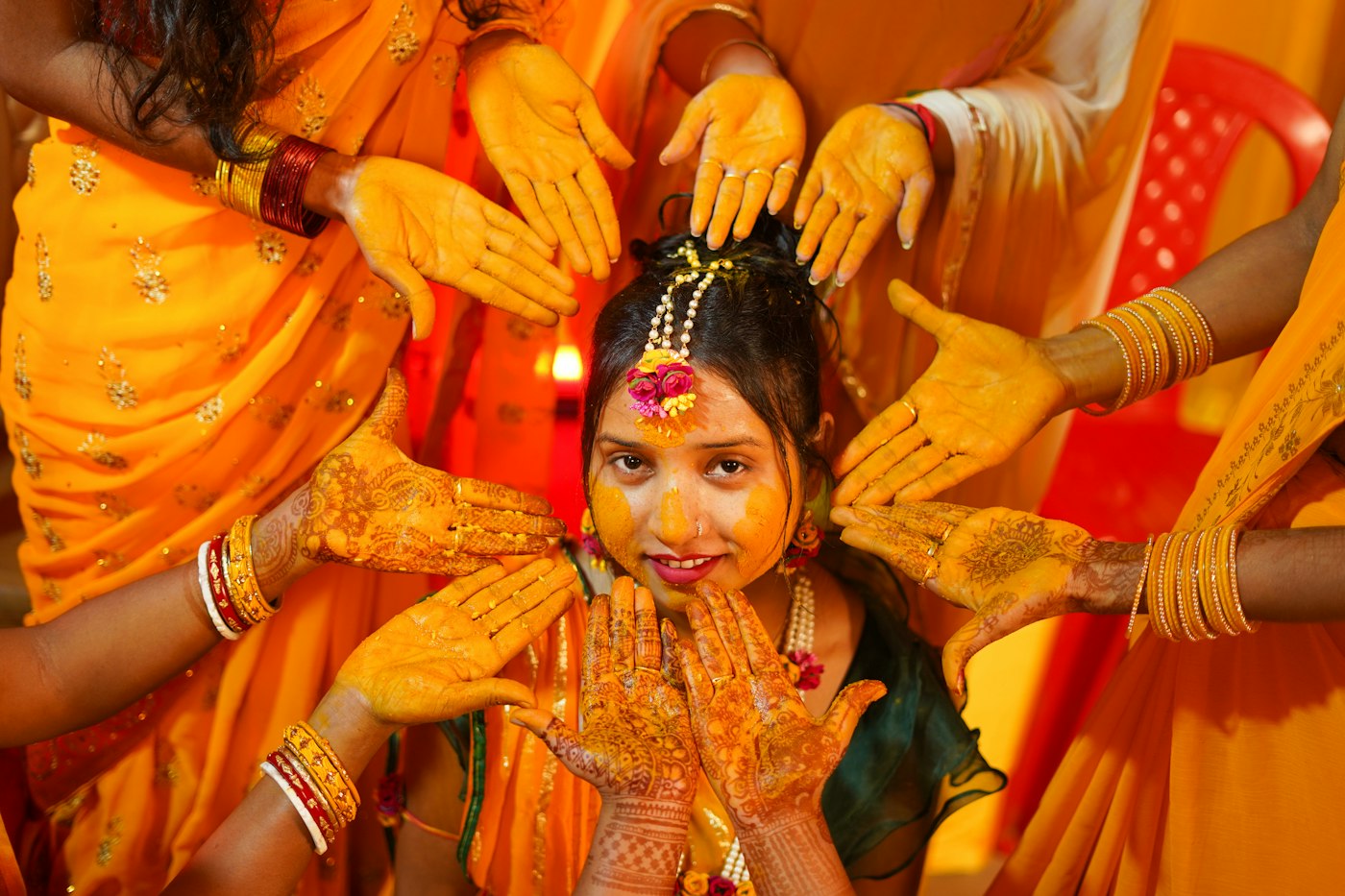
A big Indian wedding produces thousands of photos across the haldi, mehendi, sangeet, pheras and reception. The couple gets their photos. The other few hundred guests usually get a Google Drive link dropped into a family WhatsApp group, open it once, scroll past the first hundred thumbnails and give up. If you have ever wondered how to share wedding photos with guests in a way they actually use, the answer is to stop sending everyone everything and let each guest find their own photos.
This guide walks through why the shared folder fails, how selfie-based delivery works, how to keep it private, and how the same delivery can bring your studio its next booking.
Why the shared Drive folder does not work
The Drive link feels like the easy option. For the guest it is anything but.
- Nobody can find themselves. A mausi from Jaipur might be in 40 of 4,000 photos. She will not scroll through all 4,000 on a phone with 2 GB of free space.
- Privacy is all or nothing. Everyone with the link sees every photo, including the ones the family would rather keep inside the family.
- Downloads are painful. A single "Download all" on a wedding folder is several gigabytes. Most guests give up, or screenshot a few photos from the preview, which is the worst possible copy of your work.
- Your name disappears. Once a photo is downloaded and forwarded, nothing on it says which studio made it.
- You get the calls. "Bhaiya, can you send my photos?" arrives for weeks, one relative at a time.
None of this is the guest's fault. The format is wrong for a wedding with hundreds of people in it.
How to share wedding photos with guests using face search
Face search flips the problem around. Instead of the guest looking through the whole wedding, the wedding is searched for the guest. On RAIMO it works like this:
- You upload the photos into the wedding, function by function: haldi, mehendi, sangeet and so on.
- The guest scans a QR code on the welcome board or table card, or opens the link the family forwards on WhatsApp. There is no app to install and no account to create.
- The guest takes one selfie. RAIMO compares that face with the faces in that wedding's photos.
- The guest sees only the photos they are in, and can download them.
For a multi-day wedding, the search can look across every function at once, so a cousin who scanned the QR at the reception also finds herself in the mehendi and haldi photos from two days earlier. (Searching across several functions is part of the Event Pro pass; the free Event Starter covers a single function.)
If you want the full technical picture, we explain what a face match actually is, and what gets stored, in how face recognition photo sharing works at weddings.
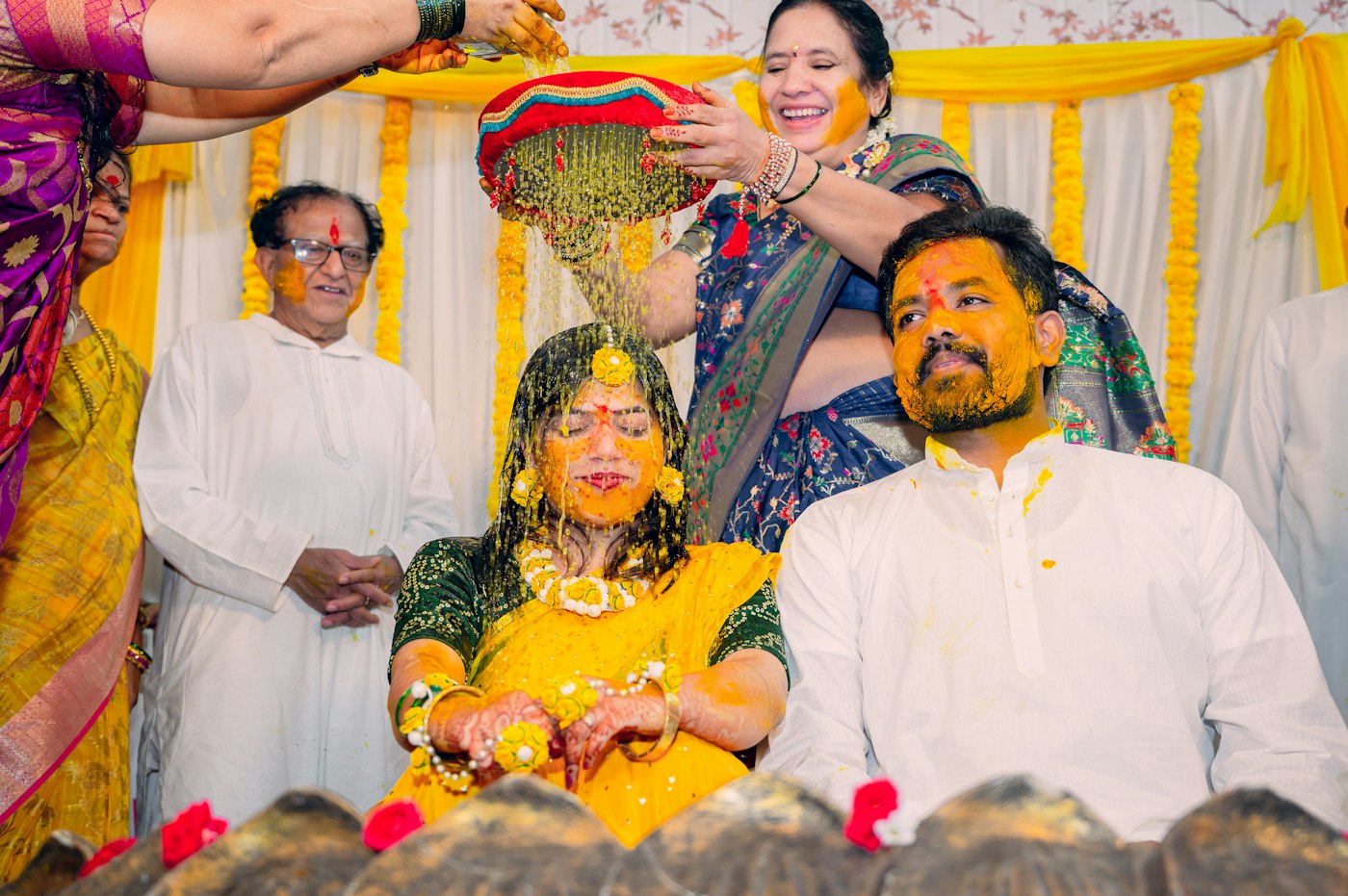
What quality do guests get?
This is where many photo sharing tools quietly cut corners, so it is worth being clear.
RAIMO stores the files you upload as they are. There is no recompression on upload. Guests browse fast thumbnails, and by default they download the actual file you uploaded.
If you would rather guests take away smaller copies, or nothing at all until the family has paid, you can set downloads for a wedding to full files, web-size only or off. That control is part of Event Pro.
Guests can also add their own phone photos to the wedding. Those uploads are off by default, and when you switch them on they wait for your approval before anyone else sees them, so nothing appears under your studio name that you have not looked at.
Keep it private, and say so
A selfie used for matching is personal data, and families are right to ask what happens to it. India's Digital Personal Data Protection Act, 2023 expects you to collect only what you need and to use it only for the purpose you gave. For a wedding studio that translates into a few simple rules:
- Match faces inside one wedding only, never across your whole archive of clients.
- Delete the face data with the wedding. On RAIMO, the face description used for matching is a set of numbers stored against that event, not a photograph, and it is deleted when the event's photos are deleted.
- Tell guests what the selfie is for on the page where they take it.
- Offer a private mode for families who want it. A function can be open to anyone with the link, or private, so only guests with the access code can search.
RAIMO never sells or licenses your photographs, and does not use them to train anything. That is worth saying out loud to the family when you pitch this.
Deliver during the wedding, not a month later
The best moment for a guest to get their photos is while they are still at the wedding, dressed up, with the evening's energy still going. That is when photos get posted and shared, and when your studio's name travels furthest.
With live capture on Event Pro, photos go from your camera into the guest gallery while the function is still on. You can shoot tethered to a laptop, send photos through a phone on the camera's WiFi, or have a newer pro body upload over FTP by itself. We compare all four setups, including a small box that sits at the venue, in live photo delivery from a DSLR at weddings.
A simple workflow for a sangeet night:
- Your second shooter or an assistant culls lightly and uploads in batches every 30 to 45 minutes.
- Guests who scanned the QR code during dinner already see the first set of dance photos.
- The full, edited set follows after the wedding, into the same gallery and the same link, so nobody has to find a new link.
What guest delivery does for your business
Delivery is not only a service to the family. Done well, it is your best marketing.
- Every guest sees your work on their own phone. The cousin getting married next winter has already judged your photos before she starts looking for a photographer.
- Guests can turn their photos into a reel with your logo on it. That reel goes to their followers, not yours. See how guest reels work.
- Fewer "please send my photos" calls. Guests serve themselves, so you and your team spend that time editing the next wedding.
- It is a service you can charge for. Many studios bundle guest delivery into their premium package, or sell it as an add-on to the family.
What it costs on RAIMO
Guest delivery is sold per wedding, so you pay only when you have a wedding to deliver:
- Event Starter, ₹499: QR code, AI face search, guest gallery, guest photo upload and delivery for one function, with 5 GB of storage.
- Event Pro, ₹999: everything above plus live camera upload, search across up to 10 functions, guest photo review, download controls and 25 GB.
- Event Max, ₹1,999: for big weddings with several photographers uploading at once, Google Drive import and 100 GB.
A pass does not expire, so guests keep their link. Your first event is free on Event Starter, and no card is needed to sign up. Prices are as listed on our pricing page at the time of writing; the features page shows the whole guest flow.
Ready to try it on your next function? Create your studio on RAIMO and deliver your first event free.
Do guests need to download an app to find their wedding photos?
No. They scan a QR code or open a link in their phone's browser and take one selfie. There is no app and no login for guests.
Can a guest see other people's photos?
A guest sees the photos their own face was found in, within that wedding. You can also make a function private, so only guests with its access code can search at all.
Does face search work for multi-day weddings with many functions?
Yes. One wedding can hold many functions, such as haldi, mehendi, sangeet, pheras and reception, and with Event Pro the search looks across all of them at once.
Are the photos compressed when guests download them?
No. RAIMO keeps the files you upload as they are, and by default guests download those files. With Event Pro you can limit downloads to web-size copies or switch them off.
What happens to the selfie and face data after the wedding?
The face description is a set of numbers stored against that event, not a photo. It is deleted when the event's photos are deleted, and it is never used across other weddings.
RAIMO Team
Published 12 September 2026 · 8 min read
Deploy Instant AI Discovery at Your Next Wedding
Guests scan the event QR code, take a selfie and find every photo they are in, while your team live-captures from a phone or browser at the venue.