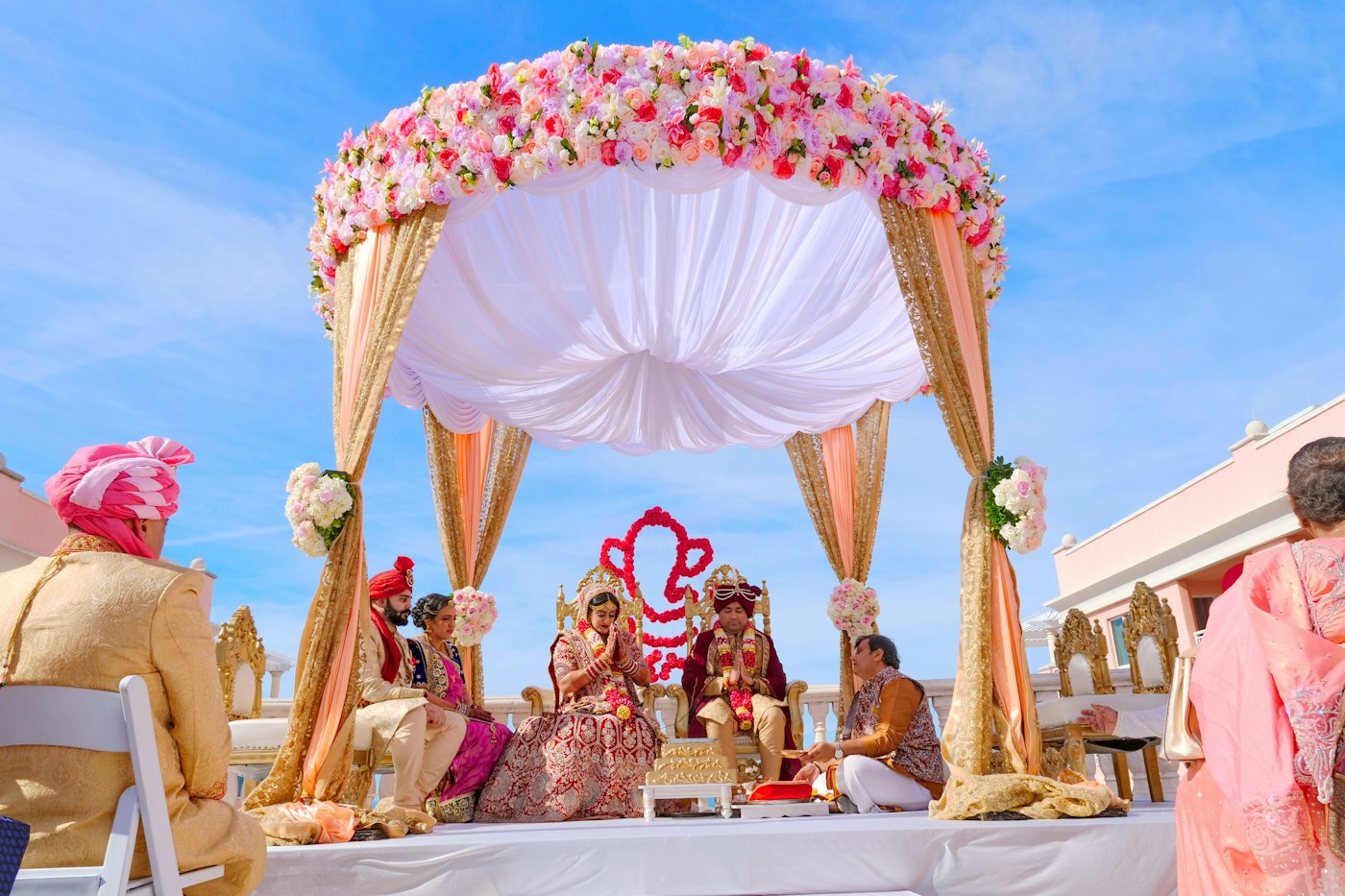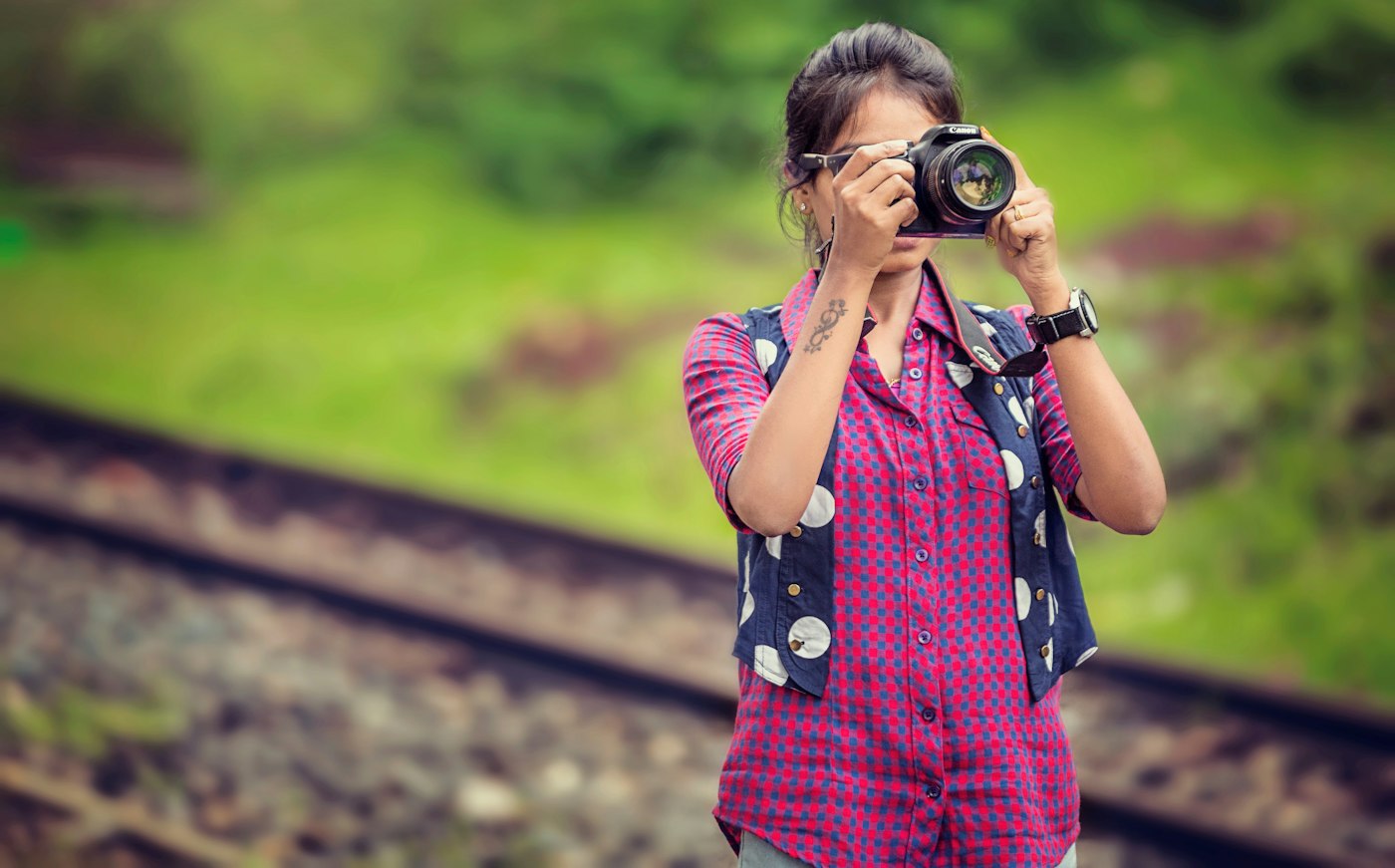
Live photo delivery from a DSLR means guests see photos from the sangeet while the sangeet is still going: shot on your professional camera, not a guest's phone, and waiting in their gallery before the dinner is served. It is one of the most visible things a studio can do at a wedding, and one of the easiest to get wrong if you have not planned how the photos leave the camera.
A camera cannot talk to a website on its own. The photo has to land somewhere first, and there are four practical ways to make that happen. This guide compares them, explains what you need for each, and shares the small workflow habits that make live delivery work on a real Indian wedding day, power cuts and patchy venue WiFi included.
Why live photo delivery from a DSLR is worth doing
- Guests share photos when they are excited, which is during the function, not three weeks later.
- Your studio's name travels that night, on stories and WhatsApp statuses, to exactly the people planning weddings next season.
- Families notice. The bride's mother seeing the haldi photos on her phone before the mehendi starts is the kind of moment that turns into referrals.
- It is a premium service you can charge for. Many studios put live delivery in their top package.
On RAIMO, photos that arrive live go straight into the wedding's guest gallery, where guests find themselves with a selfie. If you are new to that part, read how to share wedding photos with every guest first.
Before you start: one token per wedding
Every method below uses the same thing to connect: a capture token for the wedding, created from the wedding's Live Capture page. You never type your RAIMO email and password into a laptop, phone or camera at the venue. If a token is ever exposed, you turn it off and make a new one; photos already uploaded stay where they are.
The token decides which wedding and which function the photos go into, so the sangeet photos land in the sangeet, not the haldi.
Live capture is part of the Event Pro pass (₹999 per wedding) and above.
Way 1: Laptop and USB cable
Best for: the main shooter at a stage function. Works with every camera. The steadiest option at a venue.
How it works:
- Install your camera maker's tethering software on a laptop: Canon EOS Utility, Nikon NX Tether, Sony Imaging Edge Desktop, or the free digiCamControl for other makes.
- Connect the camera to the laptop with its USB cable and set the software's save folder, for example C:\RAIMO\shoot.
- Install Node.js once, download the RAIMO uploader and start it (there is a start file for Windows and one for Mac).
- It asks for the capture token and the save folder, and which function you are shooting if the wedding has several.
- Shoot. Every photo the software writes into that folder uploads on its own. Leave the window open.
The uploader only reads that one folder and only uploads photos. The catch is the cable, which limits how far you can move, so this suits stage coverage, varmala and pheras better than a roaming candid shooter.
Way 2: Phone on the camera's WiFi
Best for: a second shooter or candid photographer who needs to move freely. No laptop.
How it works:
- Switch on the camera's own WiFi.
- On a phone, install the camera maker's app (Canon Camera Connect, Nikon SnapBridge or Sony Creators' App) and turn on auto transfer, so each photo saves into a folder on the phone.
- Install the RAIMO Android app on the same phone, open Auto Sync, pick the wedding and function, and choose that folder.
- Leave both apps running. The phone stays on the camera's WiFi and uploads over mobile data.
This setup depends on the phone's battery and mobile data, so carry a power bank and check signal at the venue beforehand.
Way 3: The camera's own FTP
Best for: studios with newer pro bodies. No laptop, no phone, nothing extra to carry.
Many recent Canon, Nikon and Sony bodies can push each photo over FTP by themselves. RAIMO's Connect your camera page shows an FTP server address, port, username and password for the wedding. You enter those in the camera's FTP settings, use plain FTP with passive mode on, connect the camera to WiFi that reaches the internet (the venue's WiFi or a phone hotspot), and shoot. Check your camera's manual for where the FTP transfer menu lives; the exact names differ by maker and model.
The trade-off is that the camera needs a steady internet connection. If the connection drops, the camera has nowhere to keep photos it could not send, which is where the fourth way helps.
Way 4: A small box at the venue
Best for: long functions, venues with unreliable internet, and studios that do not want anyone watching a laptop all evening.
The RAIMO box is a small computer that sits at the venue and uploads the shoot. It can be a Raspberry Pi 4 or 5, or any old laptop or mini PC running Linux. You install RAIMO's box script once. After that:
- It starts on its own when plugged in, and starts again by itself after a power cut.
- The camera can reach it by USB cable, so each shot is caught as you take it.
- Or the camera can send to it by FTP. Photos are then safe on the box even when the internet drops, and the box sends them up when the connection comes back.
Add a small UPS or a power bank with pass-through if the venue's power tends to blink. The box needs internet from the venue WiFi, a phone hotspot or a SIM dongle.
Which way should you choose?
- One shooter on stage, venue has power points: laptop and cable.
- Candid shooter moving through the crowd: phone on the camera's WiFi.
- Newer pro body and good venue internet: direct FTP.
- Patchy internet, long night, or several hours unattended: the venue box, with the camera sending to it.
Many studios combine them: the main shooter tethered on stage and a second shooter on the phone method. Having more than one photographer upload into the same wedding at the same time is part of Event Max (₹1,999 per wedding), which also adds Google Drive import and 100 GB of storage.
Workflow tips for a real wedding day
- Test at home the day before, with the exact camera, cable, laptop or phone you will use.
- Upload selected photos, not everything. Guests do not need 40 near-identical frames of the varmala. A light cull every 30 to 45 minutes keeps the gallery worth browsing.
- Shoot JPEG alongside RAW for live delivery, then deliver your edited set into the same gallery after the wedding. Guests keep the same link.
- Put the QR code out before the first live photo arrives, so guests start looking early. See our guide to QR code photo sharing for events.
- Keep an eye on "Photos in" on the Live Capture page. If it stops rising, check the connection before you shoot another hundred frames.
If you are coming from another tool and wondering how this compares, our Kwikpic alternative guide covers the differences. Pass prices are on the pricing page.
Want to try it? Create your studio on RAIMO. Your first event is free on Event Starter, and you can upgrade a wedding to Event Pro whenever you want live capture.
Can I share photos live from a DSLR at a wedding?
Yes. With a live capture setup, photos go from your camera into the guest gallery during the function. On RAIMO you can use a laptop and cable, a phone on the camera's WiFi, the camera's own FTP or a small venue box.
Which cameras support direct FTP upload?
Many newer professional Canon, Nikon and Sony bodies have FTP transfer built in. Check your camera's manual for an FTP transfer menu. If yours does not have it, the laptop or phone method works with any camera.
What happens if the venue internet goes down?
With the venue box, the camera can send photos to the box, which keeps them safe and uploads them when the internet returns. With direct camera FTP alone, the camera cannot store photos it failed to send.
Do I need a special plan for live capture?
Live capture is part of the Event Pro pass (₹999 per wedding) and above. Several photographers uploading into one wedding at once needs Event Max.
Is my RAIMO password stored on the laptop or camera?
No. Every method uses a capture token for that wedding. You can turn it off at any time, and photos already uploaded stay in the event.
RAIMO Team
Published 21 September 2026 · 8 min read
Deploy Instant AI Discovery at Your Next Wedding
Guests scan the event QR code, take a selfie and find every photo they are in, while your team live-captures from a phone or browser at the venue.