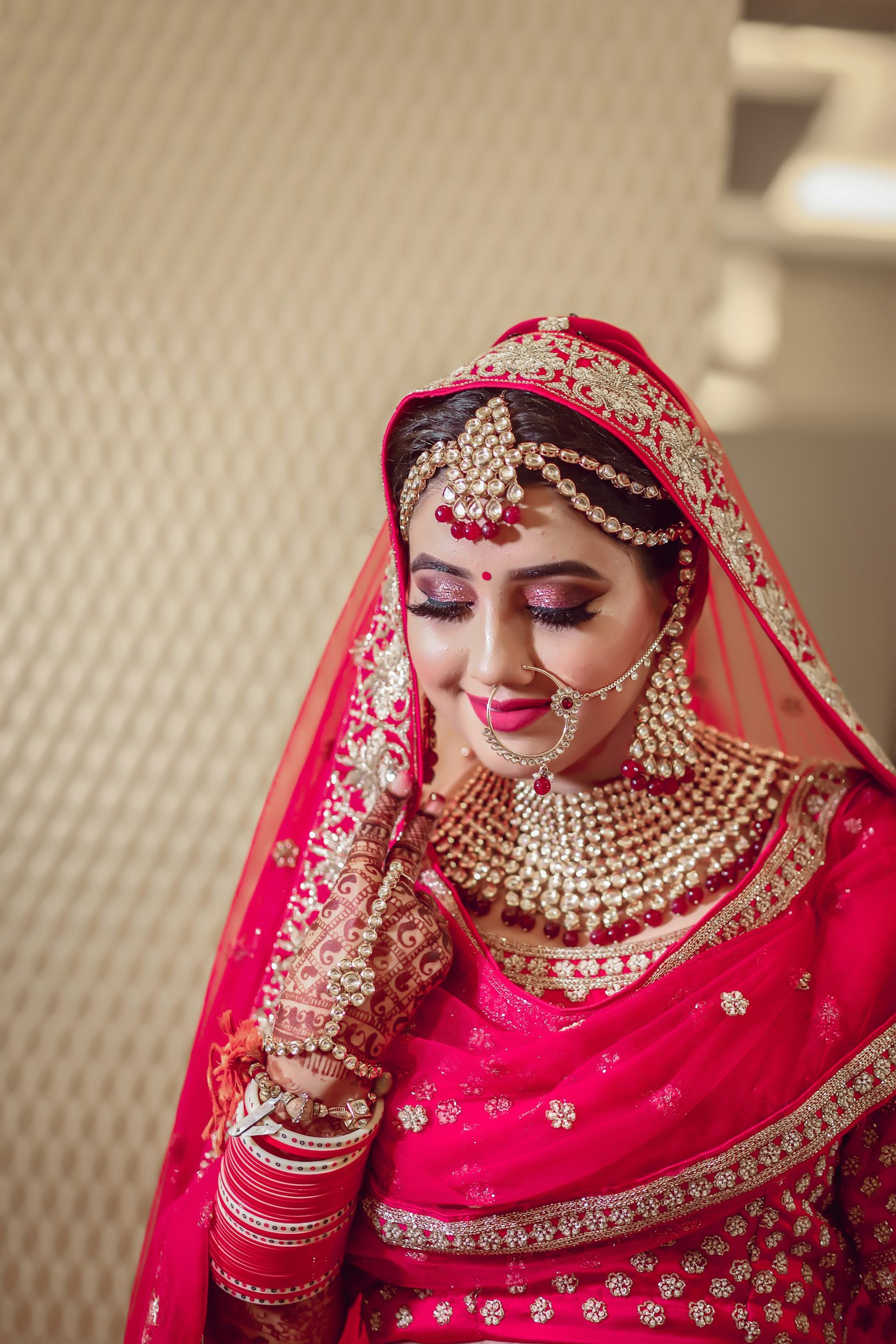
Every studio knows the album revision loop. You send a PDF. The couple replies on WhatsApp: "page 14, can you change the photo?" Their mother replies in a different chat about a different page 14, because she is looking at the older PDF. Three weeks later nobody is sure which version was final, and the album is still not at the lab. Wedding album design approval should not take longer than designing the album.
This guide covers a cleaner way to run it: select photos first, send the album as a page-turning link, collect notes on the page they are about, and get a written approval before anything is printed.
Why wedding album design approval gets stuck
The problem is rarely the design. It is the channel.
- Feedback is scattered. Notes arrive by WhatsApp, voice note, phone call and a visit to the studio, from four different family members.
- Versions multiply. "Album_final_v3_new.pdf" goes out, then "final_final". Someone always reviews the wrong one.
- "Page 14" means nothing. A PDF page number on a phone does not match the spread number your designer sees.
- There is no clear yes. The couple says "looks good" in chat, and then after printing someone remembers they never agreed to that cover.
- Reprints cost real money. A single reprinted spread, or worse a whole book, comes out of your margin.
A digital album with built-in approval solves each of these by keeping the album, the notes and the final yes in one place.
Step 1: Let the couple select photos first
The album starts earlier than the design, with selection. If the couple has not chosen their photos, every review round turns into a selection round.
With client photo selection on RAIMO:
- Every photo goes up as a watermarked proof behind a PIN-protected link. The couple can look, but the full-size originals never reach their browser.
- You can set a selection target (for example, 250 photos for a 40-sheet album) and a deadline.
- The couple hearts the photos they want, and can leave a comment on a photo.
- When they press done, your designer opens a separate designer link and gets exactly those originals, nothing extra.
- The picks can be exported as XMP ratings for Lightroom or Capture One, so nobody retypes file numbers from a spreadsheet.
Step 2: Send the album as a link, not a PDF
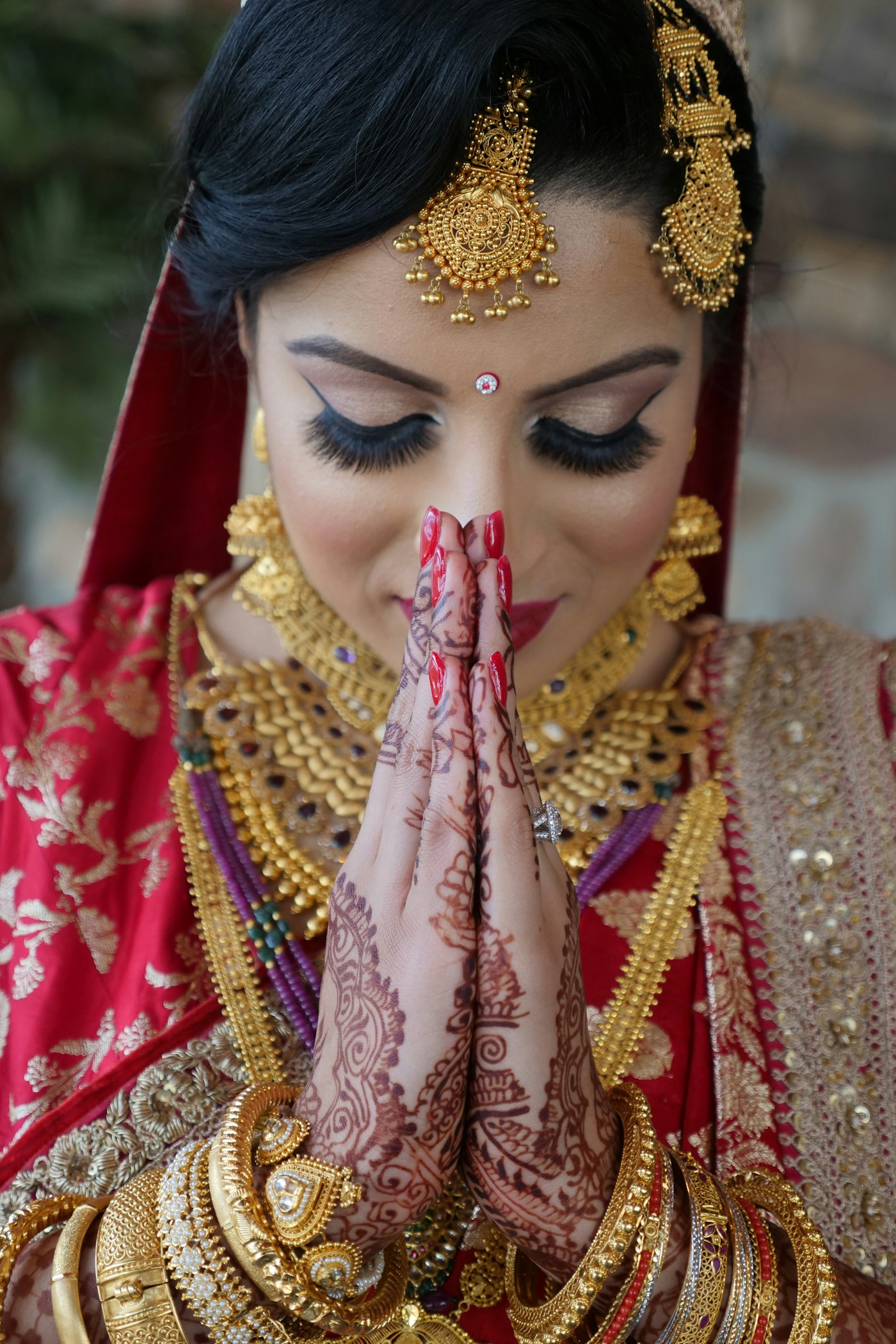
A page-turning digital album opens on any phone. The couple flips through it the way they will hold the printed book, cover first and then spreads, with background music if you add it. You can upload single pages or full spreads, and on a phone the album shows one page at a time while a laptop or tablet shows the spread.
There is one link. When you update a page, the couple sees the new page at the same link, so there is never an old version floating around in a family chat. You can add a PIN if the album should stay private.
For a premium feel, the 3D flipbook view gives the album a real page-turn, which is often what finally makes parents stop asking for a physical proof.
Step 3: Collect notes on the page, not in chat
Instead of "page 14", the couple opens the page and writes the note right there:
- "Make this one black and white."
- "Swap this for the photo with Nani."
- "Can the varmala photo be bigger?"
Each note is tied to the page it is about. Your designer sees it in context, replies in the same thread, and marks it resolved when it is done. Family members can each leave their own note with their name on it, so you know whether a request came from the bride or from her aunt.
This one change removes most of the back-and-forth, because a note can no longer be about the wrong page.
Step 4: Get approval in writing before you print
When the couple is happy, they approve the album from the same link. RAIMO records the approval with their name and the date, and the couple can also send it back with "changes requested" instead. That record is your proof before the album goes to the lab, and it settles "we never said yes to that cover" before the argument starts.
Once the album is approved, the note tool closes, so late changes do not creep in. If the family genuinely needs one more round, you reopen it, collect the new notes and ask for approval again.
Parents and grandparents can also ask for extra copies from the album page, choosing from the cover options you set up. Those requests land with you as orders with the name, phone number and number of copies, which is a simple way to sell a few more books per wedding.
Step 5: Charge for it properly
Online album proofing saves you time, but it is also something couples value, so price it in rather than giving it away.
- Basic packages: a digital album with a share link, so the family can view and forward it.
- Standard packages: selection, the 3D flipbook, page notes and approval.
- Premium packages: add a live album, where the couple scans a QR code and plays the video of a moment from the album, or even points a phone at a photo in the printed book and watches it play.
We go deeper into building packages around these add-ons in how to price wedding photography packages in India.
What it costs on RAIMO
Albums are sold per album, so a studio that only makes albums does not need a monthly plan:
- Album Basic, ₹299: a digital album and share link.
- Album Pro, ₹799: adds the 3D flipbook, client selection, approval, page comments and watermark.
- Album Cinema, ₹1,499: adds videos on album photos, watched by scanning the album's QR code (up to 10 videos).
- Album AR, ₹2,499: the printed album plays video when a phone is pointed at a photo (up to 50 videos).
An album pass does not expire, so the couple keeps their link for good. Studios that make many albums a month usually save with a bundle: RAIMO One at ₹2,999 a month includes Album Pro for 25 albums, along with delivery, a website and CRM. See the pricing page for current prices and the features page for what albums include. If you are comparing tools for the rest of the studio's work, read our guide to photography studio management software in India.
You can try the full flow on your next wedding: create your studio on RAIMO. Your first event is free, and no card is needed to sign up.
Does the couple need an account to view the album?
No. They open the link you send. You can add a PIN if the album should stay private.
Can I still deliver a printed album?
Yes. The digital album is how the couple reviews and approves; the printed book is made from the approved version.
What if a family member wants changes after approval?
You can reopen the album for review, collect the new notes on the right pages and ask for approval again.
Can the couple download full-size photos from the selection link?
Only if you allow it. Proofs are resized and watermarked by default. You can allow downloads, choose preview or original size, and even require payment before downloads open.
Does the designer get the original files the couple selected?
Yes. The designer link gives your designer exactly the originals the couple picked, and the picks can be exported as XMP ratings for Lightroom or Capture One.
RAIMO Team
Published 11 September 2026 · 7 min read
Deploy Instant AI Discovery at Your Next Wedding
Guests scan the event QR code, take a selfie and find every photo they are in, while your team live-captures from a phone or browser at the venue.